
Start with the appointment you want to offer
Write down one real example of a booking, from the customer’s first visit to the end of the service. A consultation, a class, a property viewing, and a repair visit each need different information. Decide whether people are reserving a fixed appointment, requesting a time for approval, or joining a session with several spaces.
For example, an online consultant might offer a 30-minute introductory call and a 60-minute paid session. The platform needs to explain the difference, show the right duration, and tell the customer what happens after booking. This simple example is a useful starting point for the project.
Make availability match how your business works
A calendar needs rules behind it. Define working hours, holidays, preparation time, and the gap needed between appointments. Decide how far ahead customers can book and how much notice your team needs. If customers are in different locations, make the time zone clear in the booking screen and confirmation.
Also identify what makes a slot available. It might depend on a particular person, a room, a piece of equipment, or all three. Two customers should not be able to reserve the same limited resource. Agree what happens if a team member changes their hours or an appointment runs longer than expected.
Keep the customer’s booking journey clear
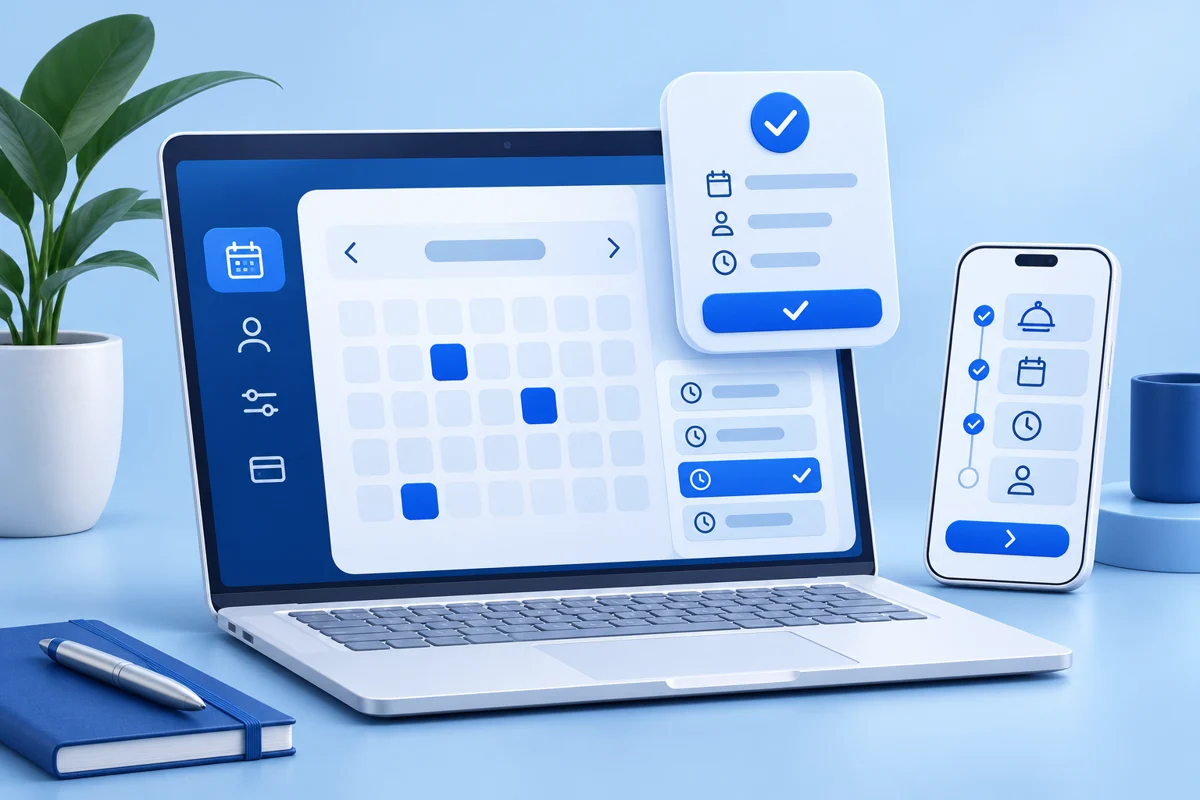
A practical journey might be: choose a service, select a time, enter contact details, and confirm. Ask only for information needed to arrange or deliver the service. Explain any important requirements before the customer commits, such as the meeting location or what to prepare.
Check this journey on a phone. Service names, available times, and the final confirmation should be easy to understand without zooming. Make sure customers receive a reference and know whether their appointment is confirmed or waiting for approval. These details help prevent avoidable questions.
Decide how payments and cancellations will work
Some services need full payment, others need a deposit, and some are paid after the appointment. Choose the approach before designing checkout. Define when a time slot is reserved, how long it can be held during payment, and what customers see if payment fails. A successful payment and a confirmed booking need to stay in sync.
Write a clear cancellation and rescheduling policy. Decide who can make changes, any notice period, and how refunds will be handled where applicable. Show the relevant terms before confirmation. Include staff-assisted changes as well as customer self-service, so your team can resolve unusual situations.
Give your team the tools to manage the day
The staff view deserves as much attention as the customer form. Your team may need to see upcoming appointments, assign people, block unavailable time, and contact a customer. Define who can view, change, cancel, or export bookings. Collect and expose only the customer information each role needs.
Plan confirmations and reminders carefully. Decide which messages are essential and when they should be sent. Include a way to notice failed notifications. If you need a connection to an existing calendar or customer system, agree which system controls availability and how changes will be reflected.
Test the awkward situations before launch
Try more than the ideal booking. Test two customers selecting the same slot, a payment interruption, a staff cancellation, a change of time zone, and a customer booking on a small screen. Check that a repeated click does not create duplicate appointments or payments.
Compare an existing scheduling service with a custom platform using these same examples. A ready-made tool may already fit your process. A custom build is worth discussing when your availability rules, customer experience, or system connections need more control. Include maintenance, backups, and support in that decision.
Bring one booking journey to your first discussion
You can start with a service list, your availability rules, and an example of how you currently arrange appointments. Identify the part that takes the most manual work and the smallest version that would help both customers and staff.
Forioxx helps businesses plan and build booking platforms around their services and daily operations. Share your appointment workflow with us, and we can discuss what the first release should include.
YOUR NEXT STEP
Let’s plan your platform.
Tell us who it’s for and what you want it to help them do.
Discuss your idea →Continue reading: How to choose the features for your first web app →
← Explore insights